

Find Free Parking with Wazypark
Overview
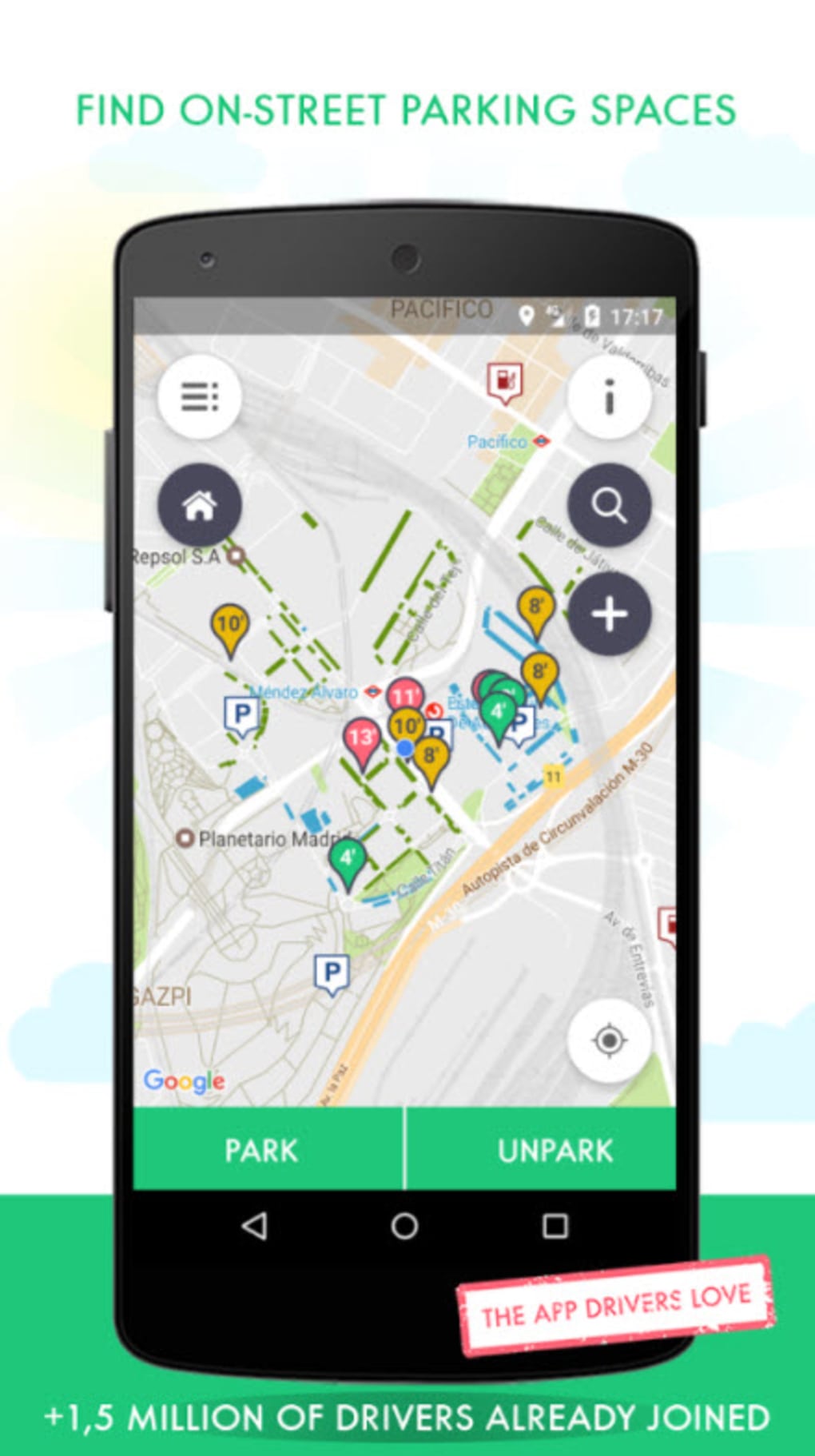
Wazypark is a desktop application designed to assist motorists in locating free parking spaces in their desired destinations. The software enables users to enter a specific location—such as a city, landmark, or destination—where the app highlights available free parking spots on an interactive map. This functionality aims to reduce the time and stress associated with searching for parking, especially in urban environments where paid options are common. The app is particularly useful for travelers, daily commuters, and those planning road trips who want to avoid unnecessary parking fees.
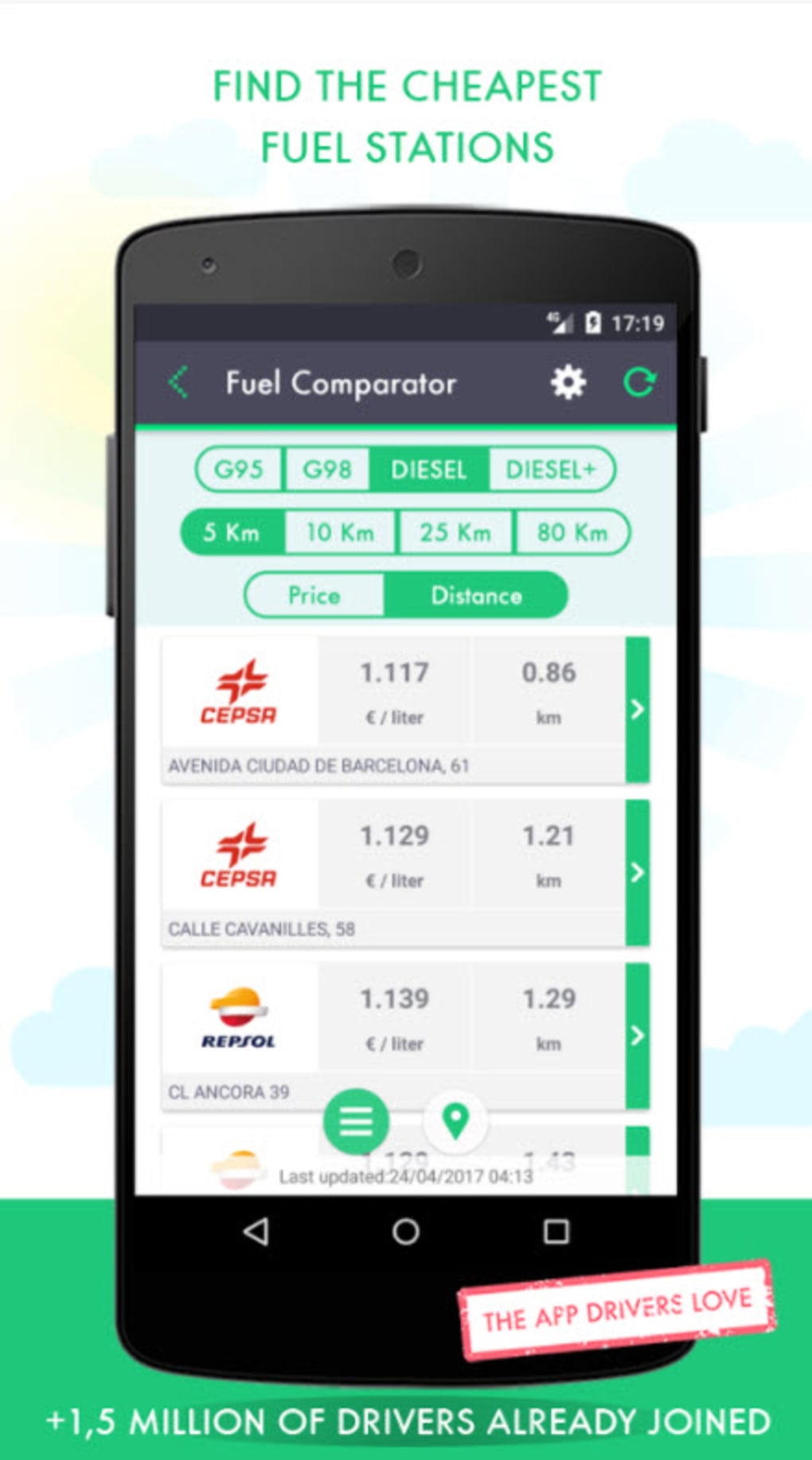
Users can also access supplementary features such as nearby petrol stations with real-time fuel pricing, allowing for cost-effective refueling decisions. Additionally, the software offers vehicle valuation tools for users interested in selling their cars, providing estimated market values and retail options. These features extend the app’s utility beyond parking navigation, positioning it as a comprehensive driving companion. The developer, Wazypark Ltd., has positioned the software as a free tool to encourage widespread adoption, especially among drivers seeking practical, no-cost solutions.
While the app’s current directory of supported locations is limited, its core functionality remains focused on delivering immediate, actionable data. The software is compatible with both Windows and Mac operating systems, making it accessible to a broad user base. Real-world usage scenarios include city explorations, weekend getaways, and daily commutes where parking costs can accumulate quickly. The developer did not provide additional system requirements.
Key Features & Capabilities
- Free Parking Spot Locator – Users can input a destination and instantly view highlighted free parking areas on a map. This helps avoid paid parking zones and reduces driving time.
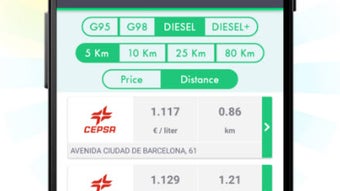
- Real-Time Fuel Pricing – The app displays current petrol prices at nearby stations, enabling users to compare costs and choose the most economical refueling option.
- Parking Alternatives Comparison – In addition to free spots, users can explore nearby paid parking options to compare pricing and find the most affordable alternatives.
- Vehicle Valuation Tool – Drivers planning to sell their car can enter vehicle details to receive an estimated market value and insights into potential retail channels.
- Location-Based Search – The software supports searches by city, address, or landmark, making it easy to find parking and fuel options in new or unfamiliar areas.
These features are particularly beneficial during road trips or when visiting large cities where parking availability and cost are significant concerns. For example, a user traveling to a tourist-heavy city can use Wazypark to identify free parking near attractions, then compare fuel prices at nearby stations before refueling. The vehicle valuation tool adds value for users considering a car sale, offering a convenient way to assess market readiness without external tools. The developer did not specify the data sources or update frequency for parking and fuel information.
User Interface, Workflow & Performance
The user interface of Wazypark is designed around a map-centric layout, with a clean and intuitive navigation structure. Users begin by entering a location into a search bar, after which the map dynamically updates to display relevant parking and fuel data. The interface includes visual markers for free parking spots, petrol stations, and other points of interest, with tooltips providing basic details on hover.
Workflow efficiency is enhanced by the app’s streamlined process: input location → view map → access details → make decisions. The design minimizes the number of steps required to find and compare parking options, reducing user friction. However, the developer did not specify resource usage details, so CPU and RAM behavior remain unknown. Performance observations are based on general software behavior patterns.
Stability is assumed to be consistent with standard desktop applications, though no specific crash or update logs were provided. The app’s responsiveness may depend on internet connectivity, as real-time data is required for fuel pricing and parking availability. The developer did not specify whether the software runs offline or requires constant internet access.
Compatibility & System Requirements
Wazypark is available for both Windows and Mac operating systems. The software has been released in version 1.0 and has a total installation size of 120MB. This relatively compact file size suggests minimal disk space requirements, making it accessible even on systems with limited storage.
Exact system requirements were not listed by the developer. While the app is compatible with both major desktop platforms, specific hardware specifications—such as minimum processor speed, RAM, or graphics capabilities—were not provided. The developer did not specify whether the software supports older OS versions or requires a particular version of Windows or macOS. Compatibility information was partially provided.
Pros and Cons
Pros
- Free to download and use, with no hidden costs
- Intuitive map-based interface for quick navigation
- Offers real-time fuel pricing to help save on refueling
- Includes vehicle valuation tool for users considering a sale
- Compact installation size of 120MB
Cons
- Current directory of supported locations is limited
- Exact system requirements were not specified
- Performance and resource usage details were not provided
- Internet connectivity required for full functionality
- Developer did not disclose update frequency or data refresh rates
Is Wazypark available for both Windows and Mac?
Yes, Wazypark is compatible with both Windows and Mac operating systems, making it accessible to a wide range of desktop users.
Is the software safe to download and install?
Wazypark is developed by Wazypark Ltd. and distributed as a free desktop application. The software is designed to function without requiring elevated system permissions, but users should ensure they download it from official sources to maintain security.
Does Wazypark require an internet connection?
Yes, the app relies on real-time data for parking availability and fuel pricing, so a stable internet connection is necessary for full functionality.
How often is the data updated?
The developer did not specify the update frequency for parking locations or fuel prices. Users should expect potential delays in data accuracy.
Can I use Wazypark offline?
Based on the app’s reliance on live data, it is unlikely to function fully offline. The developer did not confirm whether any offline features are available.
Final Thoughts
Wazypark presents a practical solution for drivers seeking to avoid parking fees and optimize refueling costs. Its core strength lies in its ability to highlight free parking spots and display nearby fuel prices, offering tangible savings for frequent travelers and commuters. The inclusion of a vehicle valuation tool adds a unique value proposition, extending the app’s utility beyond navigation.
While the current range of supported locations is limited, the fact that the software is free and lightweight makes it a worthwhile download for users in covered areas. The clean interface and straightforward workflow enhance usability, and the compact size ensures minimal system impact. For motorists who prioritize cost efficiency and convenience, Wazypark is a promising tool worth testing.
Download Wazypark now to simplify your next journey and never pay for parking again.







